
Setup guide
Set up in two minutes.
Your stands and lanyards go live as soon as you create your Review Maiden login and link your review page.
Works in any browser, on phone or computer.
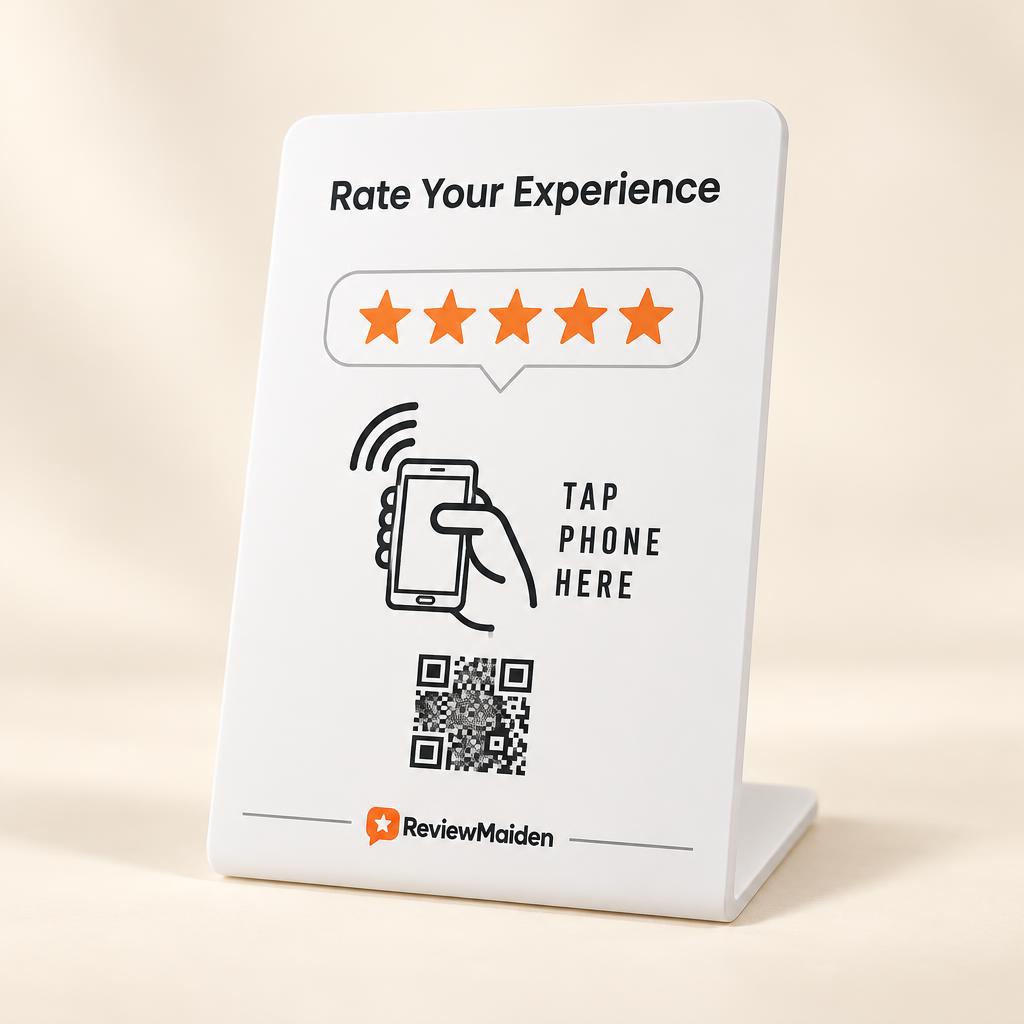
Three steps and you're live.
You only do this once, on one phone. Everyone else at your location just uses their device.
1
Tap it on your phone
Hold your stand or lanyard against the back of your phone. A notification appears. Open it.
2
Create your account
Sign up for Review Maiden (or sign in). Your order is linked to your account automatically.
3
Link your review page
Search your business name. The app finds your listing and points every stand and lanyard at it. Done.
Want the long version?
The full guide walks through every screen: linking devices, adding your team, multiple locations and review requests.
If something's not working
Still stuck? A real person will help.
Book a quick call and we'll walk you through it.
Book a support call